In short
An AirTag tracks its location via Apple’s “Find My” network—that is, through nearby iPhones owned by others—rather than in real time via GPS. This helps with tracking, but there’s a catch: iPhones automatically alert thieves to any AirTags that are tagging along. The best hiding spot is therefore inconspicuous and permanently installed.
An AirTag is inexpensive and can be installed in just a few minutes. However, in an emergency, it’s only useful if a thief doesn’t spot it right away—modern iPhones now automatically alert their owners to a foreign AirTag that’s been attached to their device. When it comes to bicycles, therefore, two things matter: the right hiding spot and realistic expectations about what the little tracker can actually do.
How the AirTag Works
An AirTag constantly transmits a faint Bluetooth signal. If a nearby iPhone that doesn’t belong to you picks up this signal, it reports it anonymously and in encrypted form to Apple’s “Find My” network—and you’ll see the approximate last known location in the app. This works well in places where there are lots of iPhones around: in the city, at train stations, and in residential areas. On secluded paths or in areas with no signal, however, location tracking won’t work.
The strengths are obvious: it’s small, inexpensive to buy, and has no ongoing subscription fees. Still, you should be aware of the weaknesses before buying: There’s no live GPS tracking with a continuous location history, modern iPhones automatically alert their owners to a foreign AirTag that’s tagging along —and the full range of features, including location tracking, Lost Mode, and Precision Finding, is only available within the Apple ecosystem.
The following seven locations on the bike have proven to be effective—because they are inconspicuous, offer sufficient space, and can be permanently installed with minimal effort.
01In the seatpost or frame tube
The inside of the frame is one of the best hiding spots there is: The AirTag disappears completely inside the tube, and no one can see it from the outside. With the right mount, it sits securely in the seatpost or at the open end of the frame tube and doesn't rattle.
What to keep in mind: Thick carbon fiber or solid metal can block the Bluetooth signal, while thin-walled aluminum is less of an issue. Use a mount that clamps or screws the AirTag in place—if you just toss it in loosely, it will slide down while you’re riding and, in the worst case, block the seatpost.
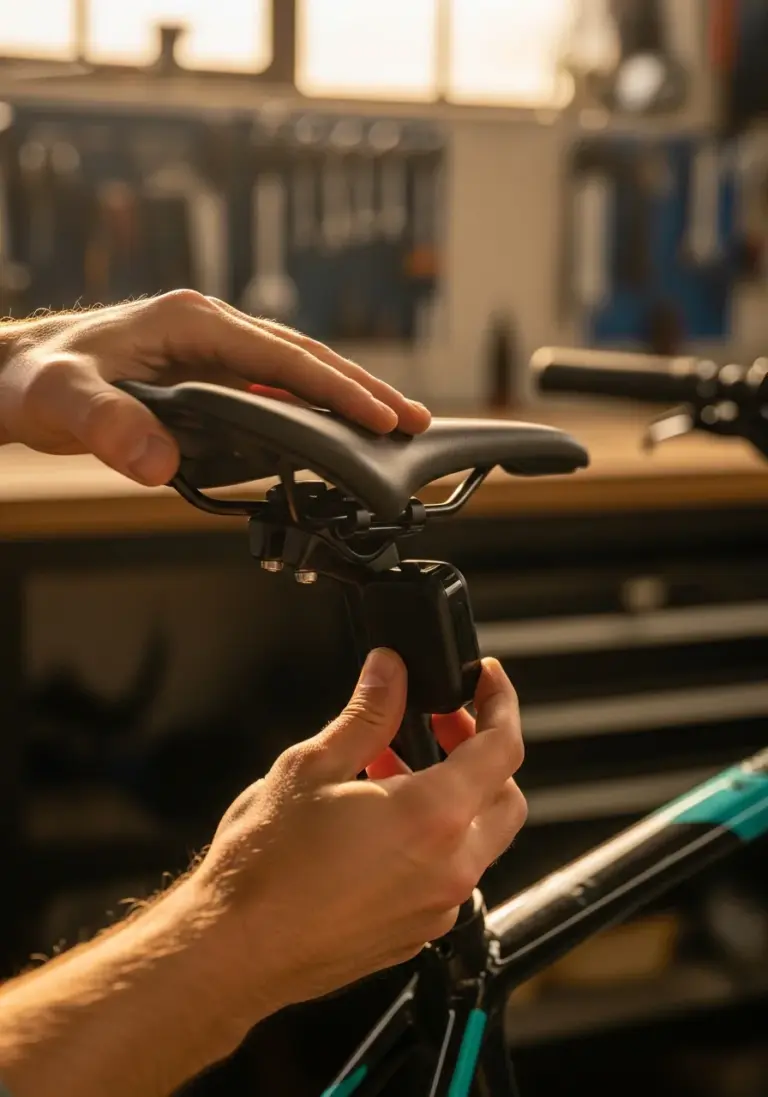
02Under the Saddle
There's not much space between the seat stays, but there's enough room for a flat, specialized mount. The AirTag is practically invisible from above and from the side, and at the same time, the Bluetooth signal remains unobstructed—there are no metal tubes around it.
Important: Choose a mount that fits your saddle model and secures the AirTag with screws rather than just a clip. Adhesive solutions come loose faster than you think when exposed to moisture and vibration—screws beat adhesive.
03Inside the taillight housing
Battery-powered taillights often have more interior space than they need. If the AirTag fits inside, you have a hiding spot that’s already securely attached to the bike—no one unscrews a taillight for no reason.
Make sure to leave enough space between the light and the battery and electronics so that nothing wobbles or loses contact. A taillight with a screw-on cap is preferable to one with just a snap-on mount because it won't open accidentally.
04Behind the Reflector
Special AirTag reflector mounts look like a regular reflector, but hide the tracker in a hollow space behind it. The advantage: Reflectors are standard equipment, so an additional one doesn't look out of place.
Screw the mount securely to the bike rack or seat stay instead of just gluing it on—adhesive can come loose in cold weather and when exposed to UV rays, but a screw won't.
05In the bottle holder base
Some bottle cage mounts have a hidden compartment right on the mounting base, underneath the visible cage. The AirTag sits there, protected from the weather and prying eyes, without you having to give up your bottle cage.
Before purchasing, check to make sure the mount fits the holes in your frame, and tighten the screws to the correct torque—if you tighten them too much, you'll strip the threads in the frame.
06At the Doorbell
AirTag bells combine a standard bicycle bell with a compartment for the tracker. Mounted on the handlebars, it doesn't stand out—after all, a bell is a familiar part of any bicycle.
As with the reflector, the following applies: A bell that’s screwed on can’t be pulled off with a quick tug, but one that’s glued on can. Check from time to time to make sure it’s still securely attached.
07In the handlebar end or grip
Many handlebars are hollow on the inside, and special end-cap mounts hold the AirTag in place right there. From the outside, all you see is a regular handlebar end cap; on the inside, the tracker is protected from rain and dirt.
Make sure the cap is securely clamped or screwed onto the handlebar—a loose cap can come off and cause you to lose the AirTag before you even have a chance to use it.
A Honest Look at the Limitations: What an AirTag Can't Do
A well-hidden AirTag isn't a cloak of invisibility. Modern iPhones automatically alert their owners if a stranger's AirTag has been tagging along for an extended period—and even people who don't use Apple devices can search for them specifically using detection apps for Android. If you're really looking for it, you'll almost always find a tracker with a little patience.
What’s more, an AirTag doesn’t constantly broadcast its location; it only does so when another device comes within Bluetooth range. In rural areas or at night, this can take a while—the AirTag doesn’t provide the seamless real-time tracking that GPS trackers do. So think of it as a supplement to securing your bike, not a substitute for properly locking it up.
Tip: Don't hide your AirTag in the spot that's currently being touted online as "the one secret spot"—anyone familiar with trackers knows the usual hiding spots. Two different hiding spots on two different bike parts are safer than one that everyone knows about.
AirTag or a real GPS tracker?
For most everyday bikes, a well-hidden AirTag is sufficient as an extra security measure—it’s small, inexpensive to purchase, and has no recurring costs. A true GPS tracker, on the other hand, actively and continuously transmits its location, regardless of whether a stranger’s smartphone happens to be nearby—though it usually requires its own SIM card and subscription. For high-end bikes and e-bikes, it’s therefore worth considering the alternative: You’ll find a detailed comparison in our guide to GPS trackers for bikes, and our page on e-bike theft protection provides an overview of the topic.
Document the find, call the police—do not retrieve it yourself
If the app shows you a location, that doesn't mean you should immediately drive there to retrieve your bike. Instead, take screenshots of the location and time, write down the address, and contact the police with this information. Thieves may react aggressively if you catch them off guard—you shouldn't take that risk.
To learn what else you should keep in mind after a theft and how to increase your chances of getting your bike back, check out our guide, “ How to Find a Stolen Bike.”
Your Hideout Checklist
- Chose a hiding spot that matches the Bluetooth signal (no thick carbon fiber or metal around it)
- Bracket screwed in place instead of just glued
- The AirTag is securely in place and doesn't rattle while driving
- Tried out location tracking using the "Where is?" app once
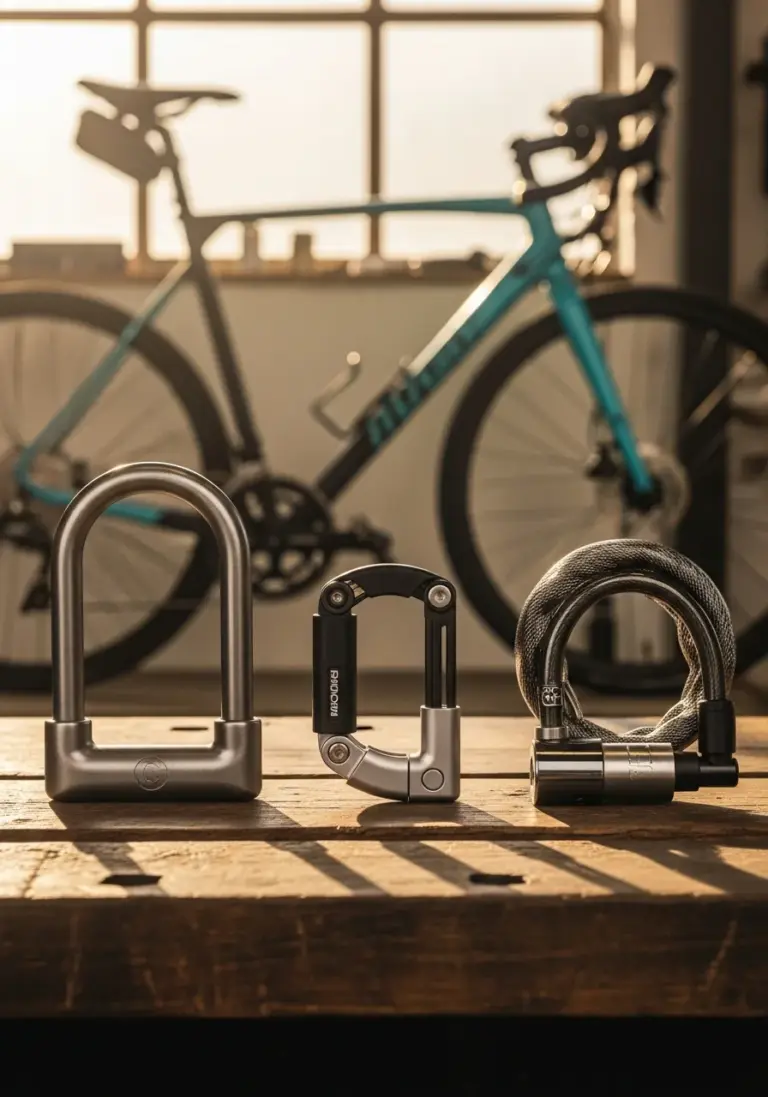
- The bike is also secured with a certified lock
- Frame number, proof of purchase, and photos stored digitally
We write about bicycle theft, anti-theft coding, and digital theft protection—in a practical way, without scaremongering, and with concrete steps you can take.
View all guides →